Pular para o conteúdo

Changelog

New updates and improvements at Cloudflare.

Terraform Support for Snippets

Now, you can manage Cloudflare Snippets with Terraform. Use infrastructure-as-code to deploy and update Snippet code and rules without manual changes in the dashboard.

Example Terraform configuration:

resource "cloudflare_snippet" "my_snippet" {
	zone_id  = "<ZONE_ID>"
	name = "my_test_snippet_1"
	main_module = "file1.js"
	files {
		name = "file1.js"
		content = file("file1.js")
	}
}

resource "cloudflare_snippet_rules" "cookie_snippet_rule" {
	zone_id  = "<ZONE_ID>"
	rules {
		enabled = true
		expression = "http.cookie eq \"a=b\""
		description = "Trigger snippet on specific cookie"
		snippet_name = "my_test_snippet_1"
	}
	depends_on = [cloudflare_snippet.my_snippet]
}

Learn more in the Configure Snippets using Terraform documentation.

Cloud Connector Now Supports R2

Now, you can use Cloud Connector to route traffic to your R2 buckets based on URLs, headers, geolocation, and more.

Example setup:

curl --request PUT \
"https://api.cloudflare.com/client/v4/zones/{zone_id}/cloud_connector/rules" \
--header "Authorization: Bearer <API_TOKEN>" \
--header "Content-Type: application/json" \
--data '[
  {
    "expression": "http.request.uri.path wildcard \"/images/*\"",
    "provider": "cloudflare_r2",
    "description": "Connect to R2 bucket containing images",
    "parameters": {
      "host": "mybucketcustomdomain.example.com"
    }
  }
]'

Get started using Cloud Connector documentation.

New Rules Templates for One-Click Rule Creation


Now, you can create common rule configurations in just one click using Rules Templates.

Rules Templates

What you can do:

  • Pick a pre-built rule – Choose from a library of templates.
  • One-click setup – Deploy best practices instantly.
  • Customize as needed – Adjust templates to fit your setup.

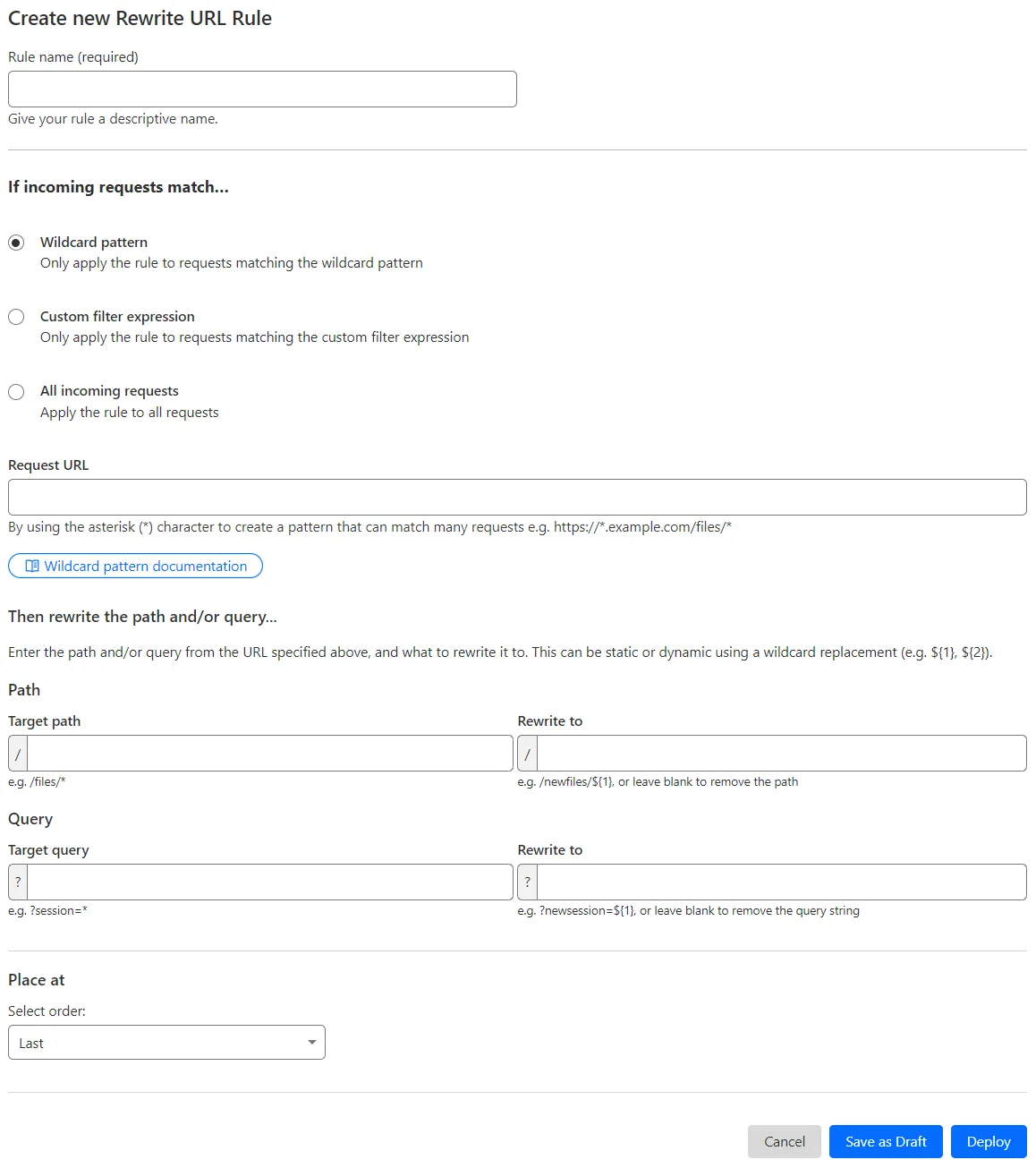
Template cards are now also available directly in the rule builder for each product.

Need more ideas? Check out the Examples gallery in our documentation.